
5 · Subscribers
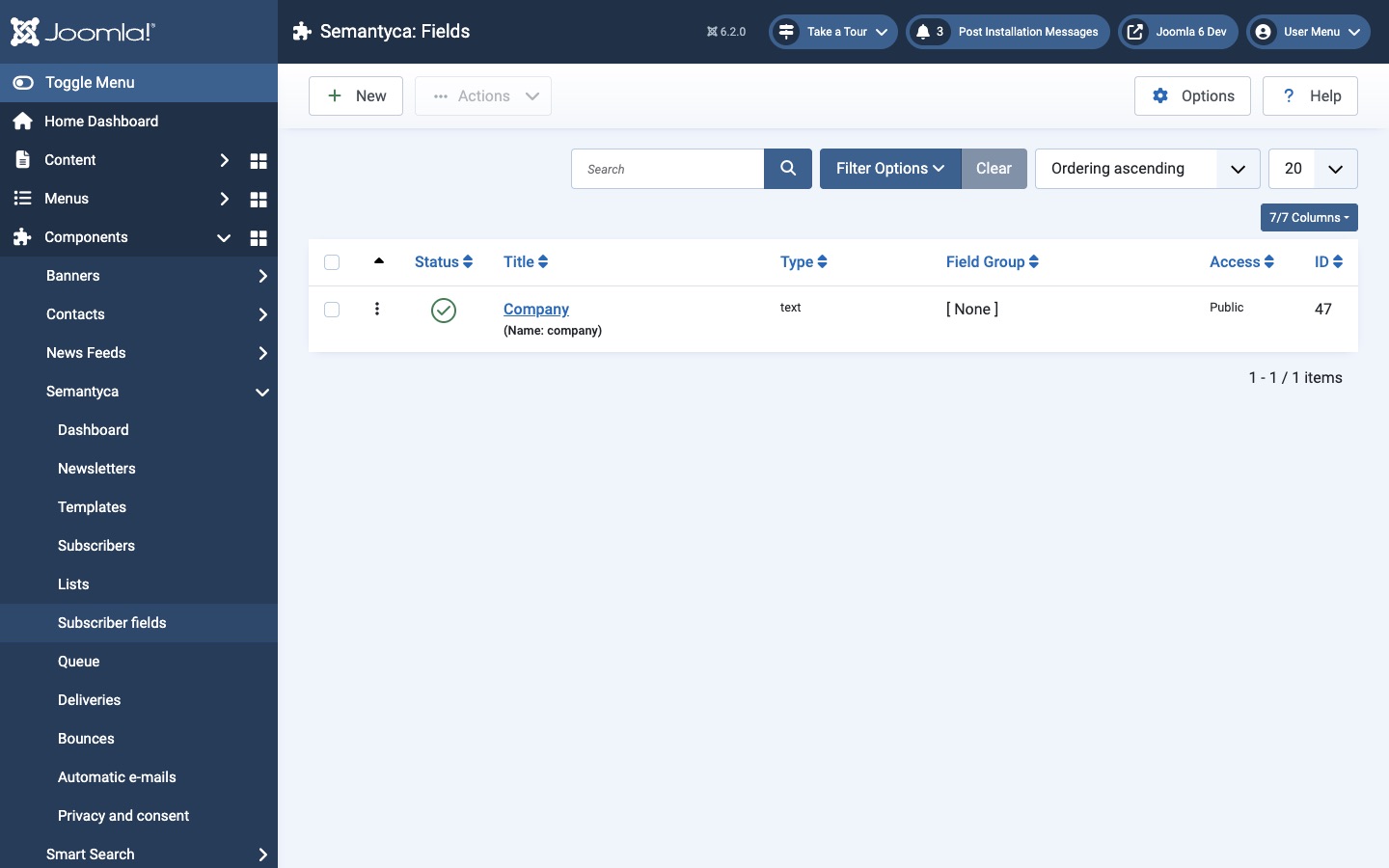
Subscriber fields
Custom subscriber fields with Joomla Fields.
Custom subscriber fields store extra details such as company, city or interests. Semantyca uses Joomla's own Fields system, so all familiar field types and settings are available.
Create a field
- Open Components → Semantyca → Subscriber fields.
- Click New, enter a Title and choose a Type (for example Text, List or Checkboxes).
- Note the field's Name: it is the key you use in merge tags.
- Set Required, Access and, on the Options tab, Editable In as needed.
- Click Save & Close.
Where fields are used
- Subscriber form in the administrator, under Fields.
- Subscription forms and the module: choose the fields to ask for under Custom fields in the menu item or module. Fields set to Editable In: Administrator are never shown on the site.
- Manage subscription page: subscribers can update their own values.
- Merge tags:
{{ field.company }}inserts the value of the field namedcompany, with an optional fallback:{{ field.company | your organisation }}. - Import: CSV columns can be mapped to fields (Field: company).
On installation, the Public group is granted Edit Custom Field Value for Semantyca so visitors can fill in fields on the forms. To make a field read-only for visitors, revoke that permission on the field's Permissions tab. Values sent from the anonymous form are only stored for new subscribers.
Atjaunināts 16 novembris 2026